
In theory, a single AI website that does everything sounds wonderful. Imagine having one spot for writing, making pictures, doing research, or even creating videos. You wouldn't need to open many browser tabs or keep track of several logins.
However, the truth is that most of these websites don't work as promised. They might offer 50 different AI tools, but only a few are actually useful. Their image creation tool often seems like it was added without much thought. Overall, using them can be slower than using individual programs for each task.
The five websites discussed here are different. Each one performs at least one function very well. While none of them are perfect for every single task, they are comprehensive enough that you might not need other tools.
How We Chose Them
We looked at five important things when picking these all-in-one AI websites:
- Quality of AI Models - It's not about how many AI models a site offers, but if it includes the best ones, such as GPT-4o, Claude, Gemini, and current image generators like Flux or Midjourney.
- What Kinds of Media It Handles - Does it only work with text? Or can it also handle images, video, and audio? A truly complete AI platform should be able to do more than just text conversations.
- Understanding Across Tasks - Can you begin with text, then create an image, and then make a video, all within the same conversation, without the AI losing track of your previous steps? Most platforms struggle with this.
- Added Features - Things like a comparison mode, using your own files for information, actual image editing (not just creating new images), and collections of prompts. These are features you can't get simply by opening many different tabs.
- Clear Pricing - We looked for straightforward pricing, avoiding confusing credit systems where, for example, creating one image costs 50 tokens and you only learn this later. Free versions should truly let you try out the product.
5 Best All-In-One AI Websites for Any Tasks
1. Cabina.AI
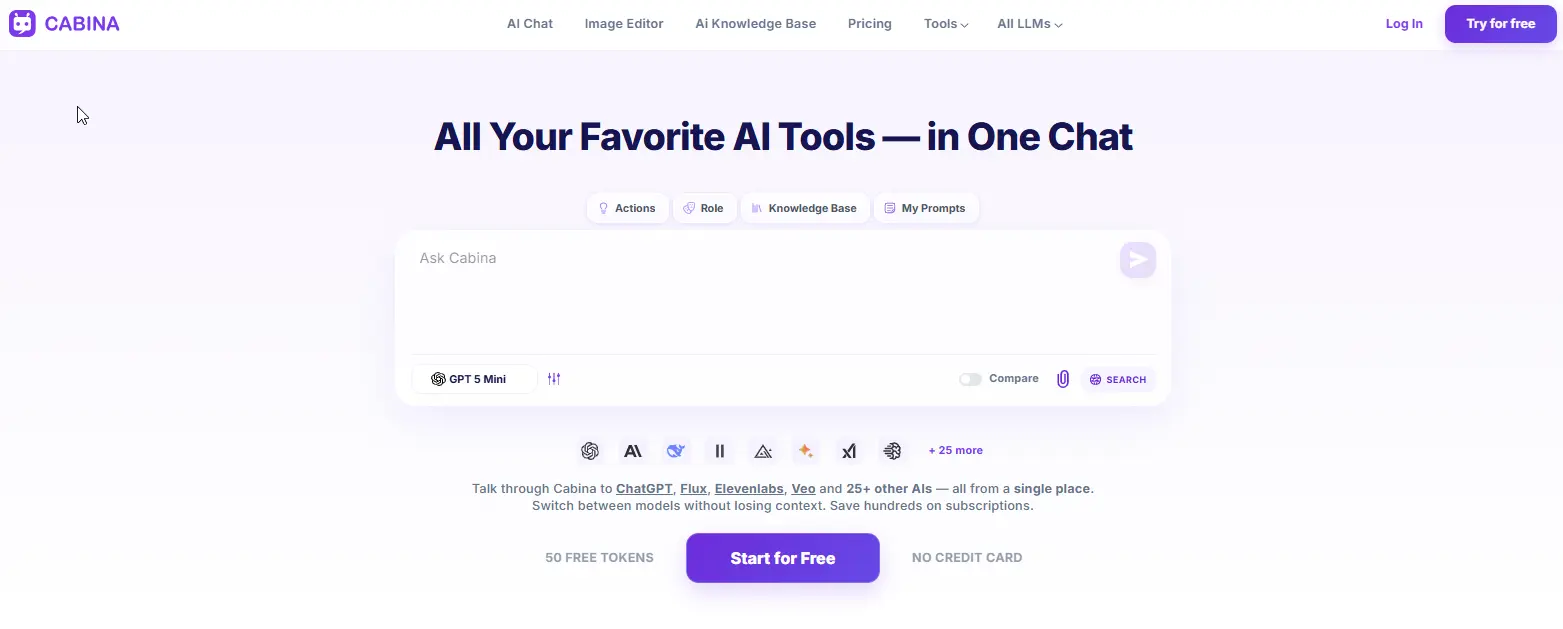
Cabina.AI is a complete all in one ai assistant that allows you to work with text, pictures, videos, and audio without losing track of your thoughts. It gives you access to many major AI models, such as ChatGPT, DALL-E, Midjourney, and ElevenLabs. What sets Cabina.AI apart is its shared memory. You can begin a project with one AI model, then switch to another for a different type of media, for example, moving from text to image to video, all within the same conversation, and the AI will remember what you discussed before.
It also has a compare mode to look at responses from two AI models side-by-side, helping you choose the better answer. A special function is RAG (Retrieval Augmented Generation) for entire folders. You can upload many documents, and the AI will learn from this information to answer questions using only those files, which helps avoid incorrect details. For images, you can use the Magnific upscaler directly within the platform to make them clearer and add fine details without needing a separate tool.
Key features
- 20+ text models - GPT, Claude, Gemini, Grok, Llama, Mistral, Qwen, DeepSeek.
- 10+ image models - DALLE, Flux, Ideogram, Midjourney, Stable Diffusion, Leonardo, Recraft.
- 7+ video models - Hailuo, Lumalabs, Pika, Runway, Veo, Vidu.
- Audio models - ElevenLabs, Google Audio, Whisper.
- Shared context across all models and media types.
- Compare mode - see two models side by side.
- RAG on entire folders - upload hundreds of documents, chat with your data.
- In-Painter - real image editing: remove objects, expand, upscale, variations, sketch to image.
- Humanizer tool - rewrite AI text to sound human.
- Prompt generator & enhancer - turn a few words into a professional prompt.
- Free prompt library - save and reuse your best prompts.
- Folders - organize chats by project.
- Team access - share tokens across a team.
Pros
- One subscription covers text, image, video, and audio.
- Pay-as-you-go from $3 means no lock into a monthly plan.
- Shared context across models actually works — this is rare.
- Image editor is genuinely useful, not a checkbox feature.
- Humanizer tool is a nice bonus for marketers and writers.
Cons
- Free plan gives 100 tokens
- Some advanced models (like Midjourney) require credits per generation.
- Interface isn't as polished as ChatGPT.
Pricing
- Free: 100 tokens.
- Pay-as-you-go: top up from $3.
- Monthly subscription: from $4.99.
- Yearly: from $4.72/month (billed annually).
2. ChatGPT
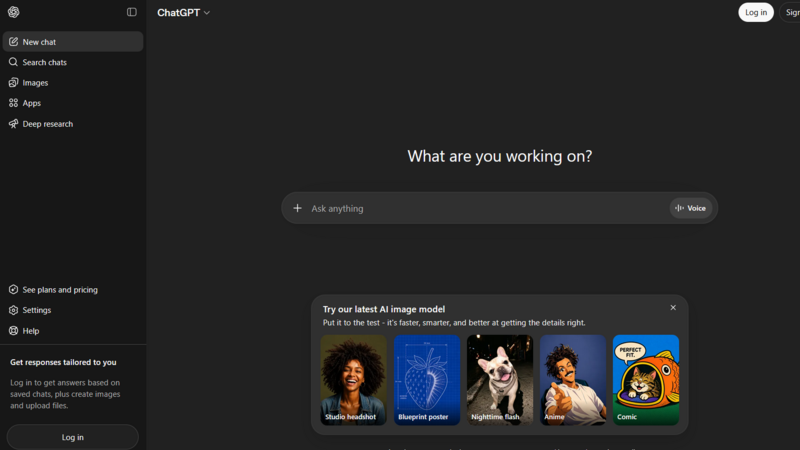
When thinking about AI, many people first consider ChatGPT. This is understandable because it works well, is easy to use, and handles many different jobs effectively. However, it's not truly a single tool for every possible task.
Currently, ChatGPT can do things like write text, understand pictures you upload, respond using its voice, run Python computer code, search the internet, and create images with DALL-E. You can also make your own special versions of ChatGPT, called Custom GPTs, for specific purposes like rephrasing emails or coming up with blog ideas. These abilities are much more advanced than what it offered just a year ago.
The main drawback, though, is that you are restricted to only what OpenAI provides. You can't switch to other AI tools like Claude if you need better thinking, or Gemini for working with longer documents. You also can't use image generators such as Flux or Midjourney. You are limited to the features and options that OpenAI offers, and nothing else.
Key features
- GPT-4o - handles text, images, voice, and reasoning in one chat.
- DALL-E 3 - turns your descriptions into pictures.
- Code interpreter - upload a spreadsheet and ask it to find patterns or draw charts.
- Custom GPTs - build your own mini assistant for repetitive work.
- Web browsing - pulls live information from the internet.
Pros
- Extremely polished. The interface sets the standard for the whole industry.
- Custom GPTs save time if you do the same type of task over and over.
- Huge community means you'll find prompts and examples for almost anything.
Cons
- Only OpenAI models. No way to compare answers from Claude or Gemini.
- No video generation at all.
- No real audio tools beyond basic voice chat.
- $20/month for Plus adds up fast if you also need access to other models.
Pricing
- Free: GPT-3.5 (older, slower, less capable).
- Plus: $20/month for GPT-4o, DALL-E, browsing, and file uploads.
- Pro: $200/month - overkill for most people.
- Team / Enterprise: custom pricing.
3. Monica
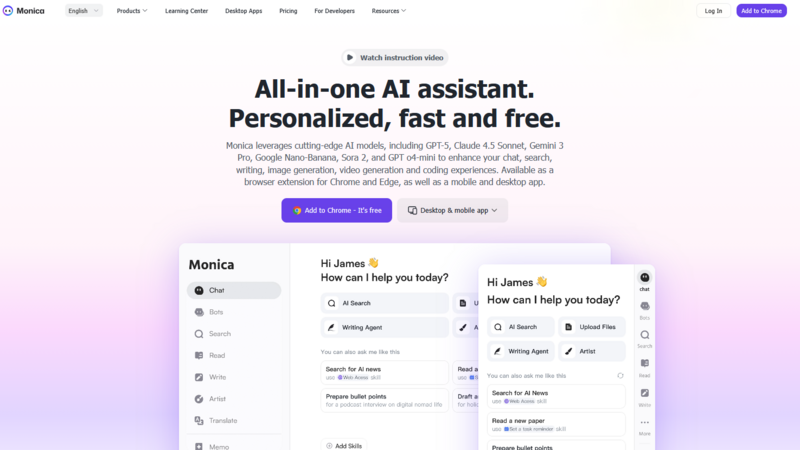
Monica began as a basic tool added to web browsers and has since become a complete AI assistant that uses several different AI models. You can think of it as a small AI helper found right in your browser's top bar. If you select text on a website, like from an article, a PDF document, or even what someone said in a YouTube video, Monica can quickly make it shorter, change it to another language, tell you what it means, or write it again in a different way. This is what it's mainly used for, and it does a good job.
At its core, Monica lets you use different AI systems like GPT, Claude, and Gemini all within a single chat window. You have the option to switch between these systems, add your own files, and even create simple pictures and short video clips. However, there is a problem. The AI models don't remember previous parts of your conversation very well. For example, if you begin talking with GPT and then change to Claude, the Claude AI often doesn't recall what you discussed moments before, which interrupts your work. Also, the pictures and videos it makes are not as good as those made by specialized programs, so they are suitable for quick tests but not for important professional tasks.
Key features
- Multiple models - GPT, Claude, Gemini, DeepSeek in one chat.
- Browser extension with keyboard shortcuts.
- Summarize anything - web pages, PDFs, YouTube videos.
- File upload and basic analysis.
- Image and basic video generation.
Pros
- Very accessible. Works right where you already browse.
- Great for quick tasks: summarize, rewrite, explain, translate.
- Free tier is actually usable for light work.
Cons
- Shared context is weak. Switching models often resets the conversation.
- Image and video quality isn't competitive with Flux, Midjourney, or Runway.
- Pricing gets confusing — "credits" for advanced models make it hard to guess monthly costs.
Pricing
- Free: limited daily uses.
- Pro: from $16.60/month (billed yearly).
- Unlimited: from $28.30/month.
4. Canva Magic Studio
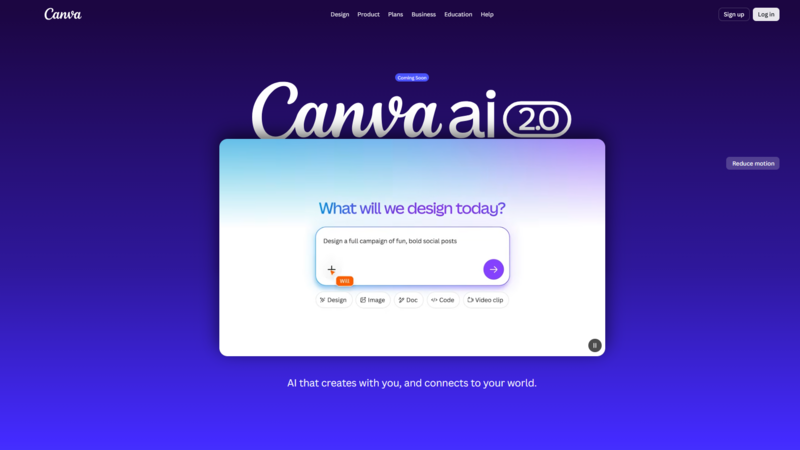
Canva Magic Studio stands out from other tools mentioned here because it's not a chat service. Instead, it's a design program that includes many artificial intelligence features.
If you already use Canva to create graphics, presentations, or social media content, Magic Studio brings AI-powered writing, picture creation, and video editing directly into your current work process. You simply type what you want, and it produces text for your design. You can describe a picture, and it will make one that fits your layout. If you need to take away a background or change an item's size, it's just one click.
The AI capabilities aren't as strong as those found in separate, specialized tools. Its text generation works well for brief messages but not for longer pieces. The quality of the images it creates is good, but not as high as what you might get from something like Midjourney. Also, you can't choose different AI models; you have to use the one Canva provides.
However, for designers, marketers, and social media managers who primarily use Canva, Magic Studio greatly simplifies their work. It removes the need to copy and paste between different programs or to export and re-import files. Everything is done within the same environment where the final design is made.
Key features
- AI text generation - write, rewrite, summarize inside your designs.
- AI image generation - create visuals that match your layout and brand colors.
- Background remover - one click, works surprisingly well.
- Magic Edit - change or remove specific objects in an image.
- Magic Video - generate short video clips from text prompts.
- Translation - translate your design text into multiple languages.
- Templates - thousands of AI‑enhanced templates for any use case.
Pros
- Seamless integration with Canva's design tools.
- Great for social media managers, marketers, and small business owners.
- No need to switch between different apps.
- Free tier covers basic needs.
Cons
- Not a general‑purpose AI platform. You can't switch between GPT, Claude, or Gemini.
- Text generation is fine for short copy but weak for long‑form writing.
- Image quality is good but not competitive with Midjourney or Flux.
- No video beyond short clips.
- Canva Pro costs money on top of any AI usage.
Pricing
- Free: basic AI features with limits.
- Canva Pro: $15/month (includes most Magic Studio features).
- Canva Teams: $10/user/month (minimum 3 users).
5. Gemini
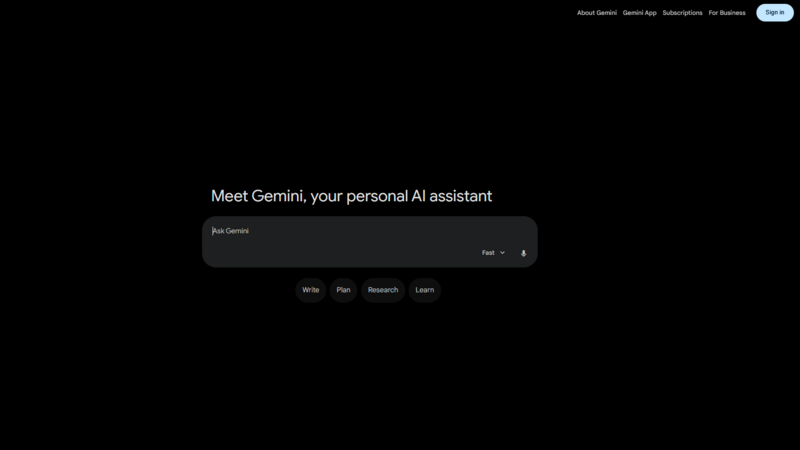
Gemini is Google version of ChatGPT. It has one special feature that no other similar tool can match: it can remember a huge amount of information, up to 2 million "tokens." This means you can give it a whole book, like all three parts of "The Three-Body Problem," and then ask questions about anything in it. The AI remembers all the details you provided. This is truly impressive and helpful for people like researchers, lawyers, or anyone who deals with very large documents.
Additionally, Gemini works directly with Google Drive, Gmail, and Google Docs. If you do all your work using Google Workspace, Gemini fits in perfectly without needing extra steps.
However, as a complete platform, Gemini has its limitations. You cannot create videos with it. Its image generator, Imagen, is decent but not as good as tools like Flux or Midjourney. Also, you are limited to only using Google's AI models; you cannot use other popular ones like Claude, GPT, or any from other companies.
Key features
- 2M token context - upload a whole book and ask questions about it.
- Direct integration with Google Drive, Gmail, and Docs.
- Imagen for image generation.
- Web search - pulls live data from the internet.
- Voice chat - speak your prompts on mobile.
Pros
- Best-in-class context length. Nobody else handles this much text in one go.
- Great if you already live inside Google Workspace.
- Free tier is generous — you can do real work without paying.
Cons
- Only models from Google. No way to switch to Claude or GPT.
- Image generation is mediocre compared to dedicated tools like Flux or Midjourney.
- No video generation. No real audio tools.
- $20/month for Advanced adds up if you also need other platforms.
Pricing
- Free: Gemini 1.5 Flash (faster, slightly less capable).
- Advanced: $20/month for 1.5 Pro and 2.0 models (better reasoning, larger context).
Which all-in-one AI website actually makes sense?
If you handle text, pictures, videos, and audio, and prefer not to pay for many separate services, Cabina.AI is the most comprehensive choice. It stands out with features like understanding content across different media types, a comparison mode, RAG capabilities for entire folders, and an In-Painter tool for image editing. Additionally, its rare pay-as-you-go option, starting from $3, is very useful for occasional use.
For those who only need OpenAI models and desire a highly refined chat experience, ChatGPT Plus remains an excellent option, though you'll be limited to its specific system.
If you want AI directly in your browser for quick summaries and rephrasing, Monica is a reliable selection. However, it doesn't offer robust creative tools.
If you're already deeply integrated with Canva, Magic Studio will streamline your workflow. Yet, it's not designed as a general AI platform for all purposes.
For users primarily in Google Workspace who require extensive context handling, Gemini Advanced is a suitable option. Be aware, though, that its image quality is not strong, and it doesn't support third-party AI models.
The category of all-in-one AI platforms is still developing. Many tools are simply combinations of existing AI services. However, a few, especially Cabina.AI, are actually building unique features that aren't available elsewhere, such as shared understanding across different media, true image editing, and RAG for entire folders.
It's advisable to start with a free trial. Test how well the platform integrates different content types and see if it saves you from constantly switching tabs. If it proves beneficial, continue using it. If not, you might be better off with one or two specialized subscriptions.
Ultimately, the goal isn't to collect numerous AI tools; it's to complete your tasks more efficiently.